Allowing web-user on apache server to run scripts as root

Allowing web-user on apache server to run scripts as root If you are new to this, you might be wondering, what the hell is a web user anyways? So let’s say that you need a server which hosts a simple web page and does a particular task based on data entered into that web-page. The normal way of doing this is to navigate to /var/www/html and place the web page you want to host here. You also need to put your php script in this folder so that it is accessible from the website. This php script will take in the data from your web-page and run the necessary commands that you need to be executed on the server.( I am assuming you are not using “The Real Dev Language” for now. :p ) I will be using a simple web page and script that I have made for this post. <html> <head> <title>Apk Generator</title> <meta charset="utf-8"> <meta http-equiv="X-UA-Compatible" content="IE=edge"> <meta name="viewport" content="width=device-width, initial-scale=1"> <link href="https://maxcdn.bootstrapcdn.com/bootstrap/3.3.6/css/bootstrap.min.css" rel="stylesheet" integrity="sha384-1q8mTJOASx8j1Au+a5WDVnPi2lkFfwwEAa8hDDdjZlpLegxhjVME1fgjWPGmkzs7" crossorigin="anonymous"> <link href='https://fonts.googleapis.com/css?family=Roboto:400,100' rel='stylesheet' type='text/css'> <link href="css/main.css" rel="stylesheet"> </head> <body> <div class="container"><br><br> <form name="htmlform" id="form" enctype="multipart/form-data" class="col-md-offset-4 col-xs-offset-2 col-xs-8 col-md-4 form-group generator_form" > <label for="name">Email</label> <input type="email" class="form-control" id="Email" name="Email"> <br> <input type="hidden" id="theme" name="theme" value="light"> <label for="name">App's Name</label> <input type="text" class="form-control" id="App_Name" name="App_Name"> <br> <label> Choose your data source </label> <ul style="list-style-type:none"> <li><input type="radio" name="datasource" value="jsonupload"> Upload your own JSON files </input></li> <li><input type="radio" name="datasource" value="eventapi"> API endpoint of event on OpenEvent </input></li> </ul> <br> <section id="eventapi-input" style="display:none;"> <label for="apiendpoint">Link to Open Event API endpoint</label> <input type="url" class="form-control" id="Api_Link" name="Api_Link"> </section> <br> <section id="jsonupload-input" style="display:none;"> <input type="file" name="uploadZip" id="uploadZip" class="form-control"/> <br> </section> <br> <input type="hidden" name="assetmode" value="download"> <center> <br> <div id="status"></div> <br> <tr> <td colspan="5" style="text-align:center"> <button type="submit">Generate and Download app</button> </td> </tr> </table> </form> <script src="https://www.gstatic.com/firebasejs/live/3.0/firebase.js"></script> <script src="https://code.jquery.com/jquery-3.1.0.min.js"></script> <script src="https://code.jquery.com/ui/1.12.0/jquery-ui.js"></script> <script> $('input:radio[name="datasource"]').change( function() { if ($(this).is(':checked')) { if ($(this).val() === 'mockjson') { $('#jsonupload-input').hide(100); $('#eventapi-input').hide(100); } if ($(this).val() === 'jsonupload') { $('#jsonupload-input').show(100); $('#eventapi-input').hide(100); } if ($(this).val() === 'eventapi') { $('#eventapi-input').show(100); $('#jsonupload-input').hide(100); } } }); var $ = jQuery; var timestamp = Number(new Date()); var form = document.querySelector("form"); form.addEventListener("submit", function(event) { event.preventDefault(); var ary = $(form).serializeArray(); var obj = {}; for (var a = 0; a < ary.length; a++) obj[ary[a].name] = ary[a].value; console.log("JSON",obj); if(obj.Email == "" || obj.App_Name ==""){ alert("It seems like you forgot to fill up your email address or the app's name"); setTimeout("location.reload(true);", 1); } else{ alert("Please wait while we generate the app, meanwhile you can stick around to directly download it.The app will also be emailed to you."); $.ajax({ type: "POST", url: "/test.php", data: { timestamp : timestamp }, success: function(response){ console.log("Success",response); window.location = response; } }); } }); </script> </div> </body> </html> This is basically a web page with some inputText widgets which accept response and send it to a php file named test.php on the server via an AJAX post. <?php if(isset($_POST['timestamp'])) { $uid = escapeshellcmd($_POST['timestamp']); exec("sudo sh /var/www/email.sh $uid"); } ?> This php script will call a bash script which in turns an email to me with…

Continue ReadingAllowing web-user on apache server to run scripts as root

Adding more functions to command line interface of steam-shell

sTeam allows the creation of groups and joining, leaving and listing them. However these functions were only available in the web interface. My task involved the addition of these functions to the command line interface, that is, steam-shell. The task sounded like a difficult one because it involved coding out new commands for the shell and perform actions that have never been done before from the shell. This didn’t turn out to be true. Issue: https://github.com/societyserver/sTeam/issues/68 I began with using and understanding the group functions from the web interface. First I took up the command for the creation of groups. I listed the attributes needed by referring the web interface and then extended the create command already present in the shell to also create groups. The task turned out to be easy against what I thought earlier. This was because of the elegance of pike and modularity of the sTeam server. The code for creation of object was already present in the command and I had to pass the type of object that is group and write a few lines to accept the attributes required. Next command was for the listing of groups, for this I created a new command called ‘group’ and inside the function called by group I switch cased on the next sub-command to find out if it was join, leave or list. After that I wrote the code to perform the action for each command in their respective cases. This is where the modularity of sTeam helped me a lot. The core portion of these functions turned out to be one liners. Code to get a list of all groups: array(object) groups = _Server->get_module("groups")->get_groups(); Code to join a group: int result = group->add_member(me); Code to leave a group: group->remove_member(me); Soon all my command were ready. I tested these and everything seemed to be working fine. I pushed my changes and created a new pull request. It was after this that Martin asked me to change the interface. He introduced me to MUDs, Multi User Dungeon. MUDs are type of text based games. The interface for sTeam is based on the these games and these are also an inspiration for the entire project. Just like MUDs create a virtual space we at sTeam create a virtual office space. This helped me to understand not only the interface but also the project. I will be talking more about this in my next blog. Anyways the standard interface is <action> <object> <additional attributes> I changed the interface and now the syntax for the commands are Create a group: create group <group_name> siddhant@omega:~/Documents/sTeam/tools$ ./steam-shell.pike Connecting to sTeam server... Password for root@127.0.0.1 [steam]: ***** Pike v7.8 release 866 running Hilfe v3.5 (Incremental Pike Frontend) /home/root> create group group_test How would you describe it?^Jtest group Subgroup of?^J /home/root> List groups: list groups siddhant@omega:~/Documents/sTeam/tools$ ./steam-shell.pike Connecting to sTeam server... Password for root@127.0.0.1 [steam]: ***** Pike v7.8 release 866 running Hilfe v3.5 (Incremental Pike Frontend) /home/root> list groups Here is a list of all…

Continue ReadingAdding more functions to command line interface of steam-shell

Writing vim scripts to open files in the steam structure

My objective was to write a script that will allow the user to open new files from inside the vim interface. There is a vim command available for normal files. However here I am not talking about normal files, these are files inside the steam structures, that is , inside rooms and containers. The commands that were doing this currently were edit.pike and the edit command from the steam-shell. Issue opened: https://github.com/societyserver/sTeam/issues/53 As I started working on it one of the issue I faced was that I could not use the code in edit.pike or the edit command in steam-shell because for that I would have had to start a new process and the vim window would have come up as an another new process. Due to these process using the same terminal window there would be an overlap and vim will not be able to function, this was one of the problems with the original implementation of the edit command, which I had solved in the first week of GsoC. Issue with edit command: https://github.com/societyserver/sTeam/issues/34 Solution: https://github.com/societyserver/sTeam/pull/36 My colleague Ajinkya Wavare had finished his task wherein we could execute pike code from a vim terminal. For this he had modified steam-shell and was passing the pike code as an argument to the call of steam-shell. One advantage of executing pike code this way is that all the steam objects and variables are available to use with the pike code. Basically it is like executing code on debug.pike. I based my solution to the problem on this newly added feature. I was able to pass in pike code to steam-shell, this would start a new process, execute the code and return me the output. The tasks that I needed to do with the pike code was: Find the required object in the steam server. Get the content of the object. Save the content in a temporary file. Once the file is saved by vim, update the file on the sever and the logs in the vim buffer. I created a new steam command ‘Open’ and passed the full path of the object as an argument. Given the full path it was easy to find the object on the sever. I was able to fetch the contents and save it in a file. Now I had a big problem. The name of the temporary file was available in the pike script, I needed this name in the vim script to open the file in a new tab. I spend more than a day trying to come up with a solution for this problem. I was able to get the name of the file in the output of the pike script and this output could be read into a vim buffer. However this output had a lot of other content including the result of execution of other pike statements also. I had to use vim search and select tools to get the file name isolated and stored in a vim script variable. Once I…

Continue ReadingWriting vim scripts to open files in the steam structure

steam-shell: Two processes in one terminal

Community bonding period turned out to be quite fruitful I got to know my community really well and not only that I also solved quite a number of issues which helped me understand the code base. Daily scrum meetings played a very important role in making us work professionally and cover some substantial work. Official coding period began on 23rd May and I was all set for the challenges and the sleepless nights to come. Here I will be discussing the tasks I covered in my first week. As suggested by my mentors I had changed my plans a bit by moving the work on edit command before implementing the TLS layer on COAL. I started small by fixing the edit command. The edit command opens the specified file in vi/vim/emac. In vi and vim the editor was misbehaving and not letting us work on the file. I took up this as my first task for Google Summer of Code 2016. This helped me understand steam-shell and applauncher, which is used to load the editor, in detail. Vi and vim editors have an advantage of letting the user edit the file in the same terminal window. Issue: https://github.com/societyserver/sTeam/issues/34 Looking at the issue itself it was not possible to do any kind of backtracking. The vi editor was just throwing rubbish on the screen when the user attempted to type anything. vi editor showing the garbage and the steam-shell command At first I was under the impression that it was a problem with the editor itself. I even tried approaching the vi.stackexchange.com , where the vi developers could help me. However all this was in vain. After a lot more forensics and re-reading the code multiple number of times I realized two process were active and sharing the same terminal space. How did I come to this conclusion? Well it was a very minute detail that I noticed. While in the vi editor window, with the document open and the editor throwing garbage at you when you press the up arrow the editor clears some area and show the commands executed on the steam-shell. This can be seen in the above image This simply meant that both the process for steam-shell and the vi editor was running and sharing the same terminal space. The solution was quite simple. Just called editor→wait() to suspend the calling the process till the called process was over. Solution: https://github.com/societyserver/sTeam/pull/36

Continue Readingsteam-shell: Two processes in one terminal

FOSSASIA Summit 2016 Science Centre Singapore – Wrap Up

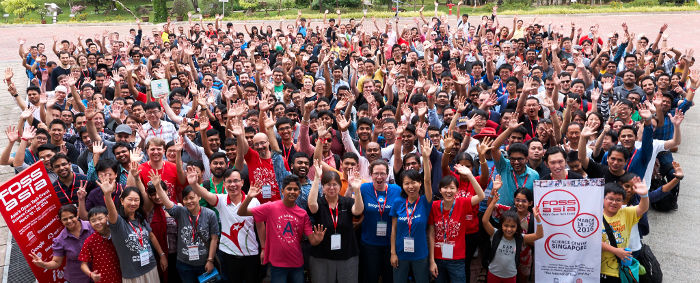
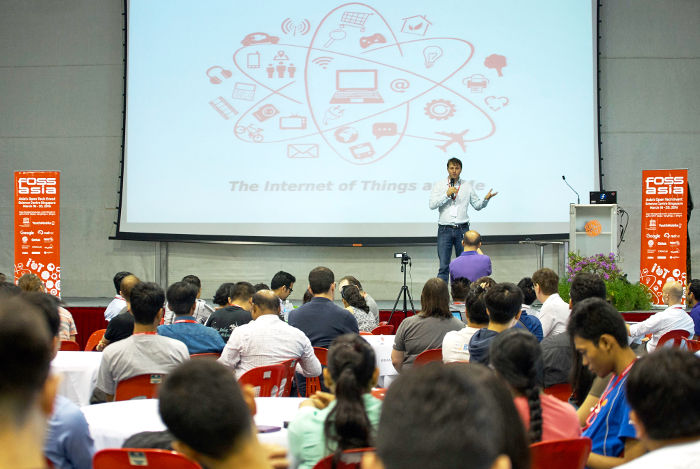
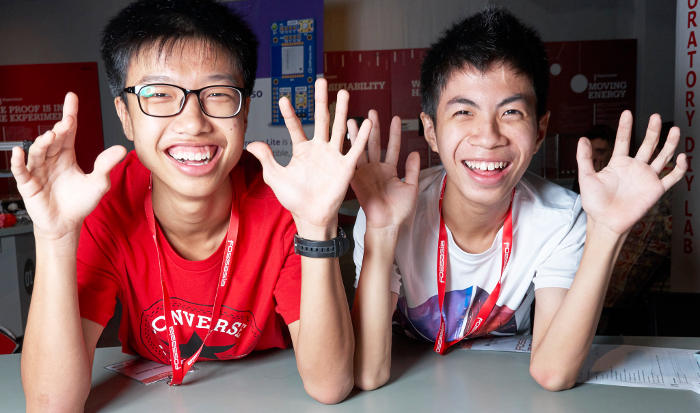
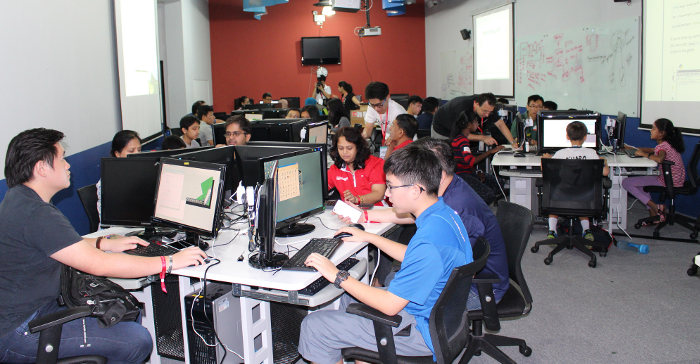
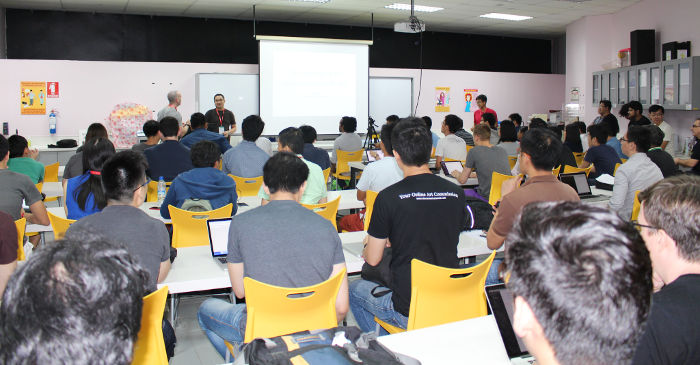
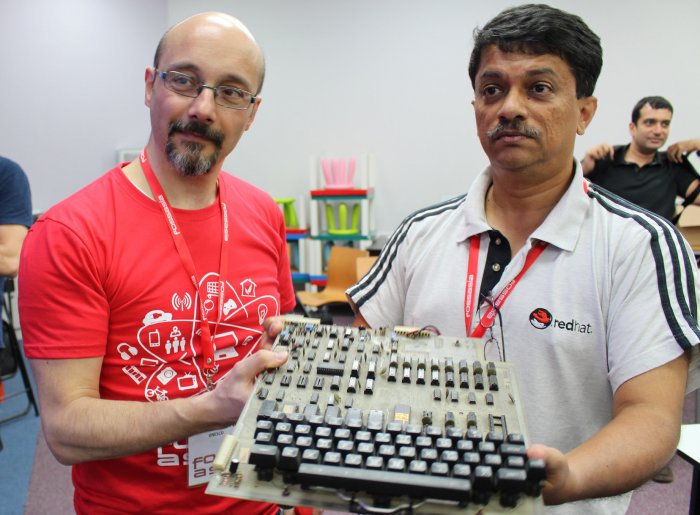
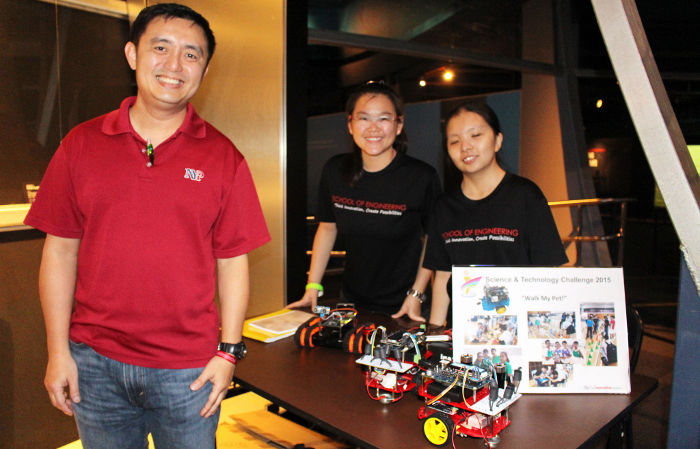
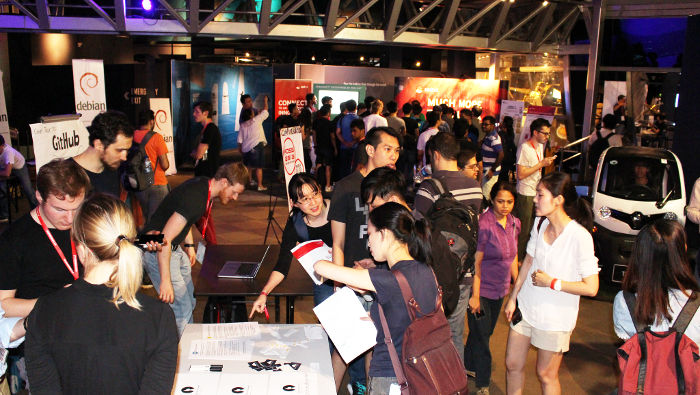
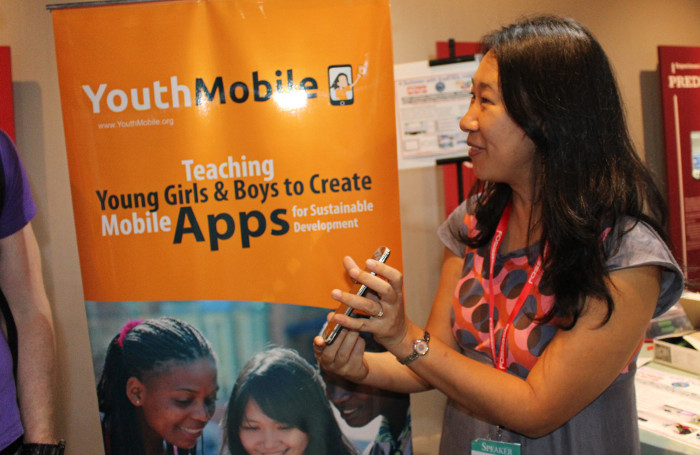
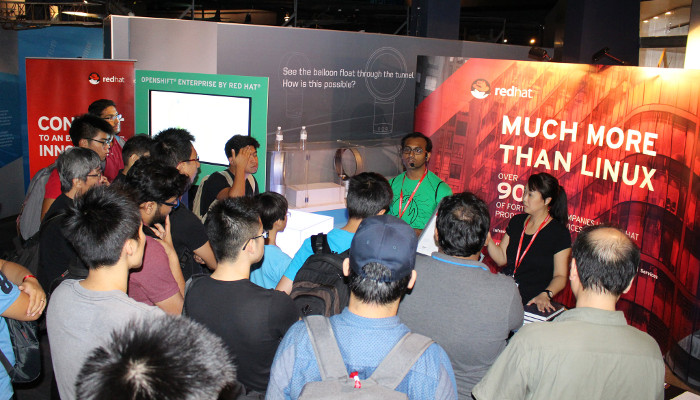
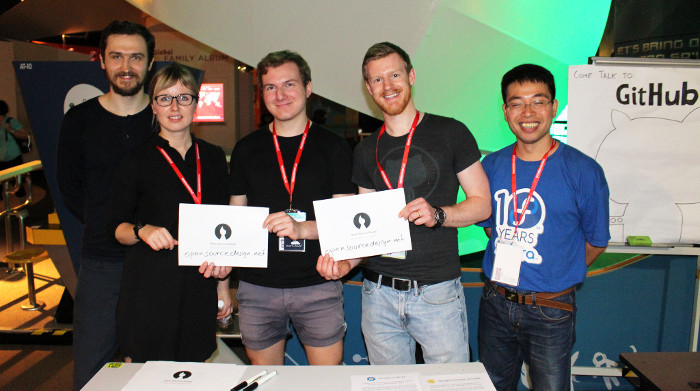
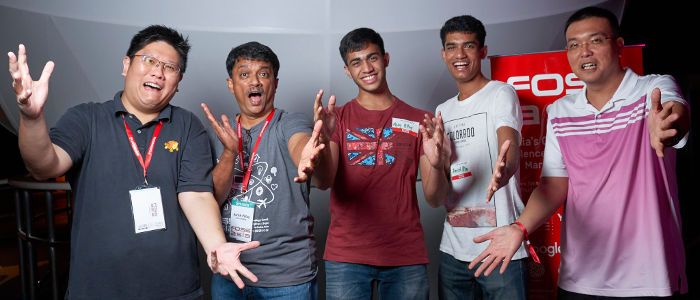
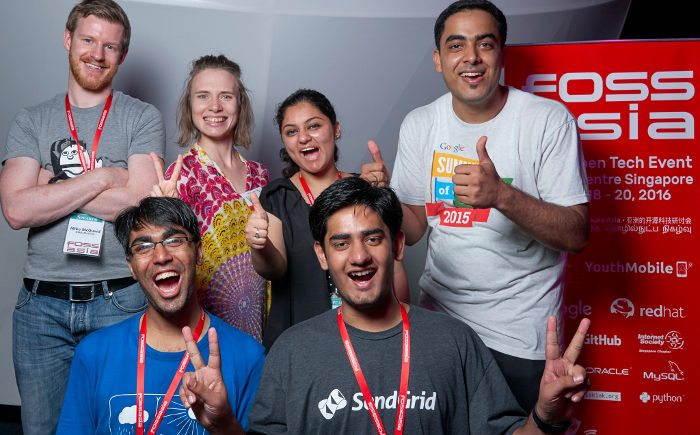
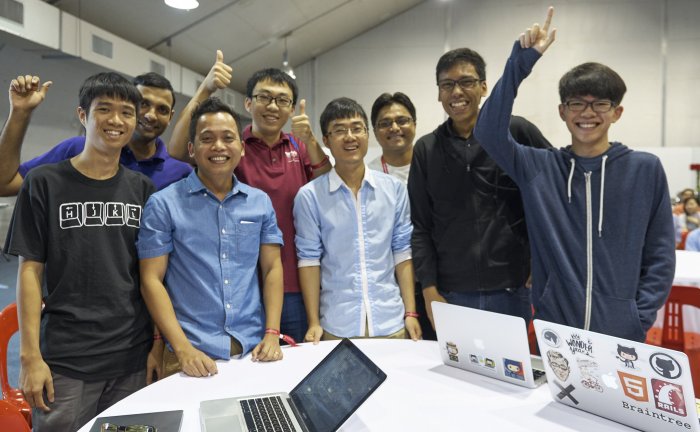
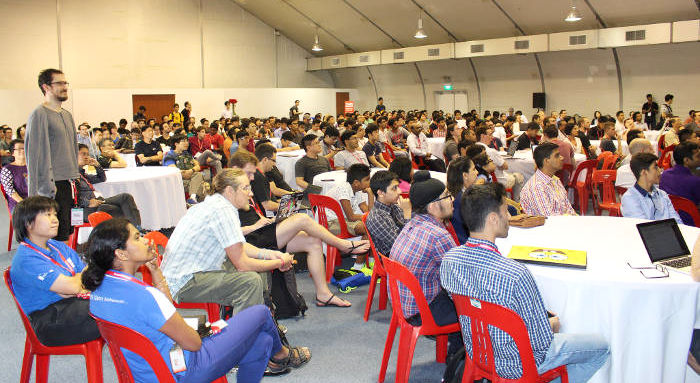
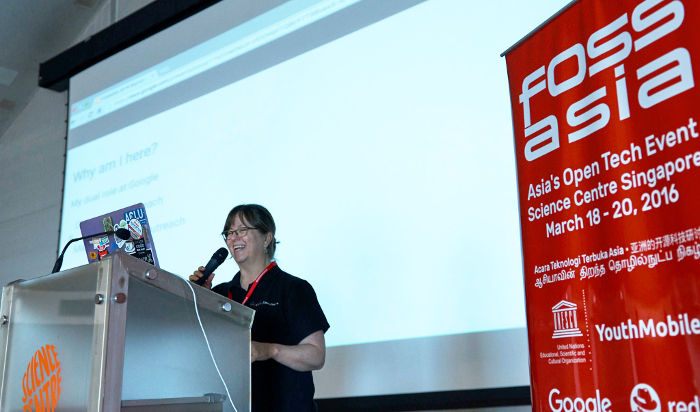
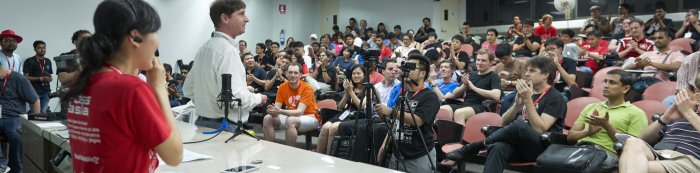
FOSSASIA 2016 took place from 18th -20th March in Singapore. Hong Phuc Dang, Mario Behling, Harish Pillay, and Roland Turner were leading the organization efforts for the 2016 summit supported by many volunteers, speakers and the community. With a good mix of 37 nationalities, we are proud to be one of most international developer events in Asia. We would like to especialy thank our host venue and the wonderful team of the Science Centre Singapore, our partner UNESCO Youth Mobile and our sponsors Red Hat, Google, GitHub, MySQL, Hewlett-Packard Enterprise, gandi.net, General Assembly and the Internet Society Singapore for their support and participation. Thanks to everyone who helped to make FOSSASIA 2016 in Singapore possible! FOSSASIA 2016 Group Photo at Science Centre Singapore by Michael Cannon FOSSASIA’16 NUMBERS & FACTS We reached the number of 2,917 attendees over 3 days including 230 speakers and 72 volunteers. With a good mix of 37 nationalities, we are proud to be one of most international developer events in Asia. There were 201 scheduled sessions and lightning talks, and more 50 exhibitors. This was the first year we organised Tech Kids program with 14 hands-on workshops that covered Mobile Development, Electronics, Digital Fabrication, Pocket Science and 3D Modeling. Dozens of talks are already available as videos. Thousands of photos have been uploaded to social networks. 1500+ tweets with the FOSSASIA hashtag were posted during the event. A trend analysis of FOSSASIA shows that web technologies, data analytics and Internet of Things have a huge momentum. The attention of developers is also increasingly turning to open hardware. Opening HallMario Behling the superman behind our programCat Allman Happy Volunteers Day 1 Opening of FOSSASIA The first day started at the OpenTech and IoT track with a warm welcome message from Mr. Lim Tit Meng, the director of Science Centre, follow by some of our keynotes including Cat Allman with her inspiring story on Science & Education Program at Google; Harish Pillay with his intriguing title ‘A Funny Thing Happened On My Way To The Science Centre’ revealing the history of Internet and Open Source; Bernard Leong caught a huge attention on ‘Rethinking Drone Delivery with Open Source’; and Davide Storti introduced the exciting MobileYouth Program at UNESCO. The day continued with many other interesting talks/discussions and five other tracks were opened that afternoon of the same day namely Tech Kids, Hardware and IoT, DevOps, Big Data, Internet Society and Community. More Photos: [Photo 1], [Photo 2], [Photo 3] - Tech Kids Track Day 2 Intensive day of workshops and more discussion Stephanie Taylor opened the second day of FOSSASIA with her informative presentation on Google Summer of Code Program and Google Code-In. Many GSoC and GCI students from Asia attended this year FOSSASIA. The day continued with series of workshops and discussions on Hardware, IoT, and DevOps. Four new tracks were added into the program including OpenTech Workshop, Python, WebTech and Databases. Popular DevOps Track Harish Pillay proudly presenting his first computer Day 3 Hack Sunday and the closing notes At the last day, we opened another three new tracks: Privacy and…
Continue ReadingFOSSASIA Summit 2016 Science Centre Singapore – Wrap Up

FOSSASIA and Openclipart Launch Internet of Things T-shirt Design Contest

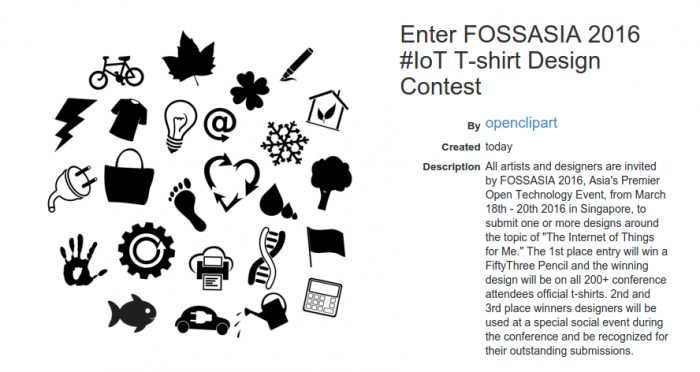
Special prizes await international designers, students and artists who join the competition and create T-shirt designs for Asia’s premier Open Technology event taking place from March 18-20 at the Science Centre Singapore.FOSSASIA and Openclipart are launching a contest for International students, artists and designers to design a T-shirt graphic representing “The Internet of Things for Me.” 1st place winner of the contest will win a FiftyThree Pencil and final design placement on the official FOSSASIA 2016 T-shirt. Second and third place winners’ graphics will be used as design elements at the conference main party on the second day of the event.“FOSSASIA 2016’s theme is about the Internet of Things for Me,” said chair of FOSSASIA, Hong Phuc Dang. “What better way to represent this idea visually than to unleash local Singaporean and international designers, artists, professionals and students to make artwork representing their ‘things’ and expression about this topic.”FOSSASIA 2016 challenges all participants to join the contest at Openclipart, the world’s largest collection of original and free to use clipart. The contest begins February 11, 2016 and runs for two weeks until February 24, 2016 where three judges will select the top three compositions. The 1st, 2nd and 3rd place winners will be selected, awarded, and announced publicly.“Since 2004, Openclipart has been a dynamic creative community of artists and designers producing more than 89,000 clipart by more than 4,900 artists,” stated Openclipart founder, Jon Phillips. “This competition is to bring creativity to the conference, and use the powerness of Open to create image composition of what the Internet of Things is all about. Even better, all the artwork made in the competition will be released into the public domain using Creative Commons Zero 1.0 license so that anyone may use the images for any reason, even commercially.”Judges for the competition will be Singapore-based artist and designer Gloria Chiang, chair of FOSSASIA Hong Phuc Dang and technologist and co-organizer Mario Behling. After the two-week competition ends on February 24, 2016, results will be announced March 2, 2016.“Singapore is a hub of software and cultural innovation,” said Singapore-based artist, Gloria Chiang. “FOSSASIA 2016 is a brilliant place to showcase international innovation trends and work with local artists, designers and students to illustrate these concepts.”“FOSSASIA 2016 T-shirt design competition participants artwork will be showcased not only on T-shirts and publicly on the web, it will also be used to create an atmosphere for the 2nd night of the FOSSASIA 2016 conference,” said organizer Hong Phuc Dang. “All participants of the FOSSASIA 2016 conference are invited to attend this special event and share the works found at our party with the hashtag #FOSSASIA. With lots of surprises, you will not want to miss FOSSASIA 2016.”Join the competition at: http://openclipart.org/fossasia2016

Continue ReadingFOSSASIA and Openclipart Launch Internet of Things T-shirt Design Contest

Participate in FOSSASIA Summit 2016 in Science Center Singapore, March 18th-20th

Please join us at FOSSASIA 2016 in Singapore, the premier Open Technology event in Asia. The event will take place from March 18-20 at the Singapore Science Center and already on 17th March the pgDay Asia conference is part of the pre-event activities. The FOSSASIA weekend from Friday to Sunday is dedicated to the “Internet of Things and Me” covering open technologies and software that make todays connected devices run. In workshops kids can start learning with the Pocket Science Lab. In the Science Hack track attendees will learn how to participate in the Citizen Science community. Please: get your FOSSASIA Summit Ticket become a Volunteer or submit your talk until February 2 at Speaker Registration. More than 120 speakers from Asia and around the world will join the event from communities and companies such as Google, RedHat, and Github. There will be talks and hands on workshops on topics including: Open Hardware, Makers, Internet of Things Open Source Software, Data and Free Knowledge DevOps, Docker, Programming languages, Python, Go, and more Science Hacks and Open Design Tech and Science for Kids Info on the FOSSASIA Summit 2016 at the Event Website Read the Call for Speakers here. Join the FOSSASIA Meetup Group in Singapore and reserve your spot in workshops as soon as they are announced. Follow us on Twitter. Check out the photos from last year on Flickr.

Continue ReadingParticipate in FOSSASIA Summit 2016 in Science Center Singapore, March 18th-20th