
PSLab Code Repository and Installation
PSLab is a new addition to FOSSASIA Science Lab. This tiny pocket science lab provides an array of necessary equipments for doing science and engineering experiments. It can function like an oscilloscope, waveform generator, frequency counter, programmable voltage and current source and also as a data logger.


The control and measurement functions are written in Python programming language. Pyqtgraph is used for plotting library. We are now working on Qt based GUI applications for various experiments.
The following are the code repositories of PSLab.
- https://github.com/fossasia/pslab : This repository hosts the Communication library for PSLab.
- https://github.com/fossasia/pslab-apps : This repository is for Qt based GUI programs, widgets and templates for various experiments.
Installation
To install PSLab on Debian based Gnu/Linux system, the following dependencies must be installed.
Dependencies
============
PyQt 4.7+, PySide, or PyQt5
python 2.6, 2.7, or 3.x
NumPy, Scipy
pyqt4-dev-tools          #for pyuic4
Pyqtgraph                #Plotting library
pyopengl and qt-opengl   #for 3D graphics
iPython-qtconsole        #optional
Libraries must be installed in the following order
1. pslab-apps
2. pslab
To install, cd into the directories
$ cd <SOURCE_DIR>
and run the following (for both the repos)
$ sudo make clean
$ sudo make
$ sudo make install
Now you are ready with the PSLab software on your machine 🙂
For the main GUI (Control panel), you can run Experiments from the terminal.
$ Experiments
If the device is not connected the following splash screen will be displayed.

After clicking OK, you will get the control panel with menus for Experiments, Controls, Advanced Controls and Help etc. (Experiments can not be accessed unless the device is connected)

The splash screen and the control panel, when PSLab is connected to the pc.


From this control panel one can access controls, help files and various experiments through independent GUI’s written for each experiment.
You can help
------------

Please report a bug/install errors here
Your suggestions to improve PSLab are welcome :)
What Next:
We are now working on a general purpose Experimental designer. This will allow selecting controls and channels and then generate a spread sheet. The columns from this spreadsheet can be selected and plotted.
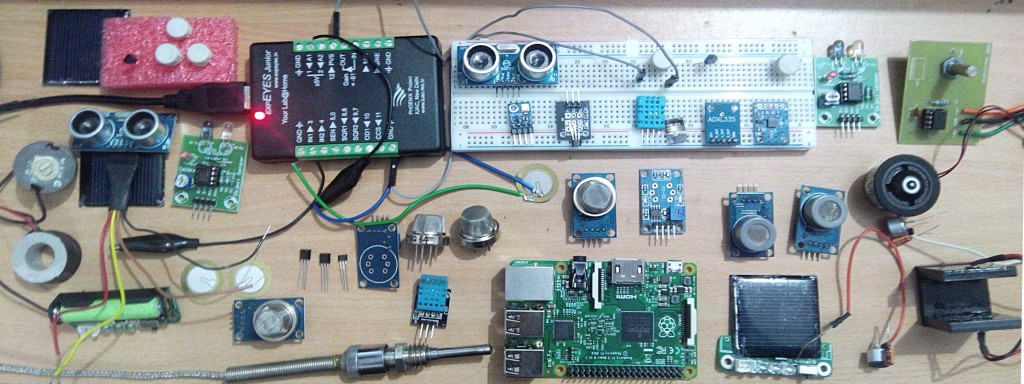
 Here is my kitchen converted to a work space, my GSoC Lab:)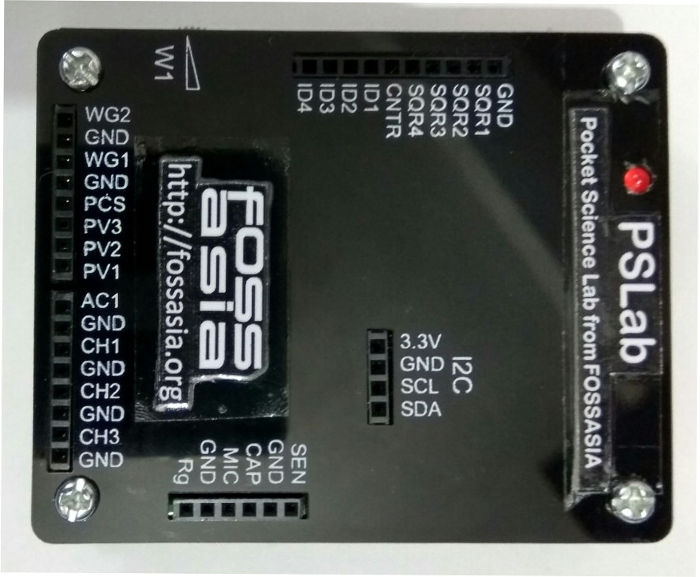


You must be logged in to post a comment.