

FOSSASIA Open Technology Summit 2015 in Singapore
Singapore, March 8, 2015 – FOSSASIA will take place in Singapore for the first time this year. The conference will feature over 100 talks and workshops covering the latest in Free and Open Source Technology projects, including those focused on the development of Singapore as a smart nation.
The summit is hosted by NUS Enterprise, ACE, Silicon Straits, JFDI and SingTel Innov8 in partnership with IDA, Red Hat, Google, Oracle, MySQL, Mozilla Foundation, Python Foundation, Treasure Data, MBM Asia, Uptime and many more. The event will kick off on Friday at Biopolis and continue on Saturday and Sunday at JTC LaunchPad @ one-north.
The organizers are particularly excited to welcome keynote speakers including Colin Charles from MariaDB running Wikipedia one of the biggest websites in the world, Italo Vignoli – co-founder of LibreOffice, Bunnie Huang – the founder of the Novena laptop project, Stefan Koehler – lead engineer of the City of Munich’s whole-of-government Linux project LiMux, and Georg C. F. Greve – the founder of Free Software Foundation Europe.
Mario Behling, head of Program Planning, said “This year we are welcoming over 120 speakers from 26 countries, making this both the largest and most diverse FOSSASIA speaker roster ever. Of particular interest is the increasing presence of open hardware, which is important for Singapore as the growth in open hardware development combined with proximity to Asian manufacturing capacity and commitment to building a Smart Nation creates a wealth of opportunities for innovation.”
Other topics and activities include: Free and Open Source software, web and mobile development, software for education, map solutions for websites and phones, open knowledge tools, Wikipedia, open data, big data, sensor networks, free wireless networks, graphic design, fashion technology, open source knitting machines, 3D printing, key signing parties to help local developers join the PGP web of trust and the opportunity for participants to obtain their Linux Foundation Certification organised by the Linux Foundation in cooperation with OlinData.
Agenda
Day 1, Fri.13 Mar, 9am – 5pm: Opening Event at Biopolis with IDA, Red Hat, Google, Mozilla
Day 2, Sat.14 Mar, 9am – 5pm: Talks and presentations of developers and designers at LaunchPad @ one-north
Day 3, Sun.15 Mar, 10am – 4.30 pm: Hands-on seminars and workshops at LaunchPad
Links
FOSSASIA: fossasia.org
Summit Site: 2015.fossasia.org
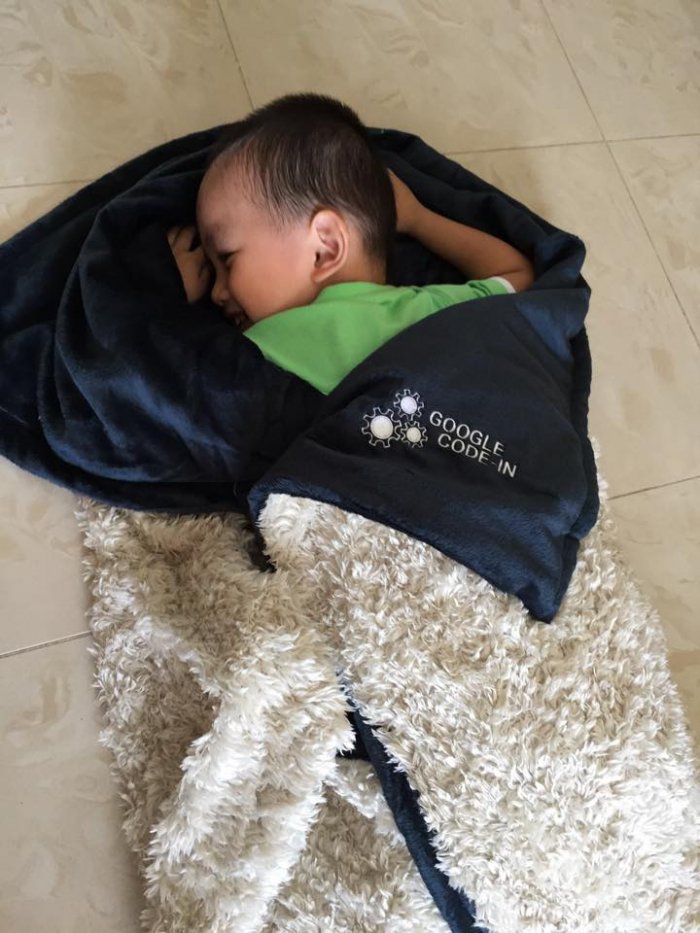 Sleeping peacefully – Nephew of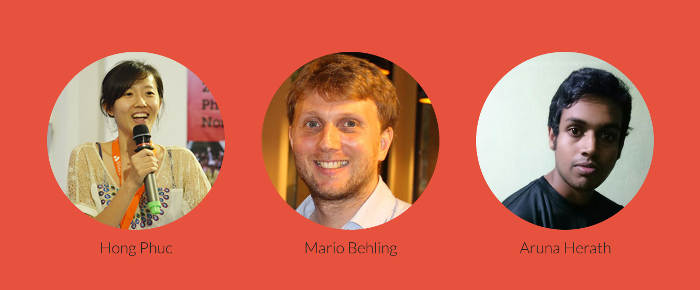
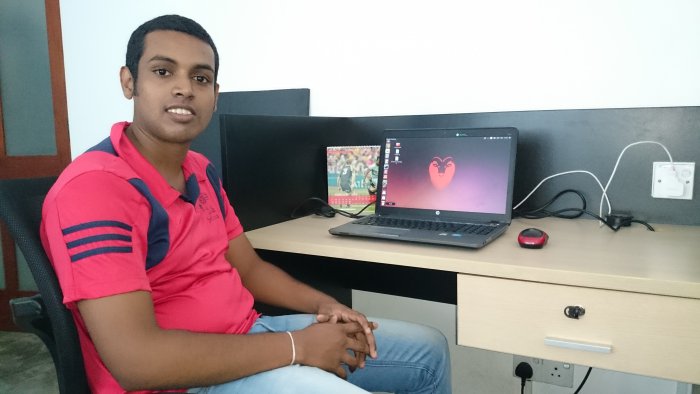 Google Code-In Mentor Aruna Herath at work
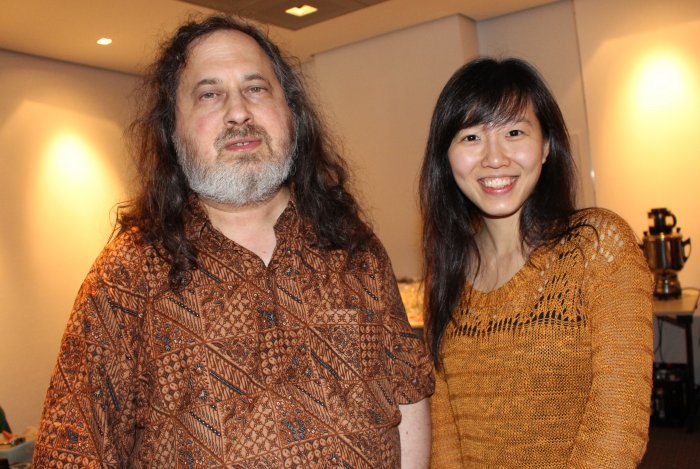 Richard Stallman (
